Your goal
Get back to your account without creating a duplicate account.
Before you start
- An existing ShiftSignal account
Use the same sign-in method as before
Open Login. If you registered with Google, select the Google sign-in option and choose the same Google account. If you registered with an email and password, enter that email and password. If your session ended, simply sign in again; do not register a second account. Viewer access is attached to the account that accepted each invite.
Open Login →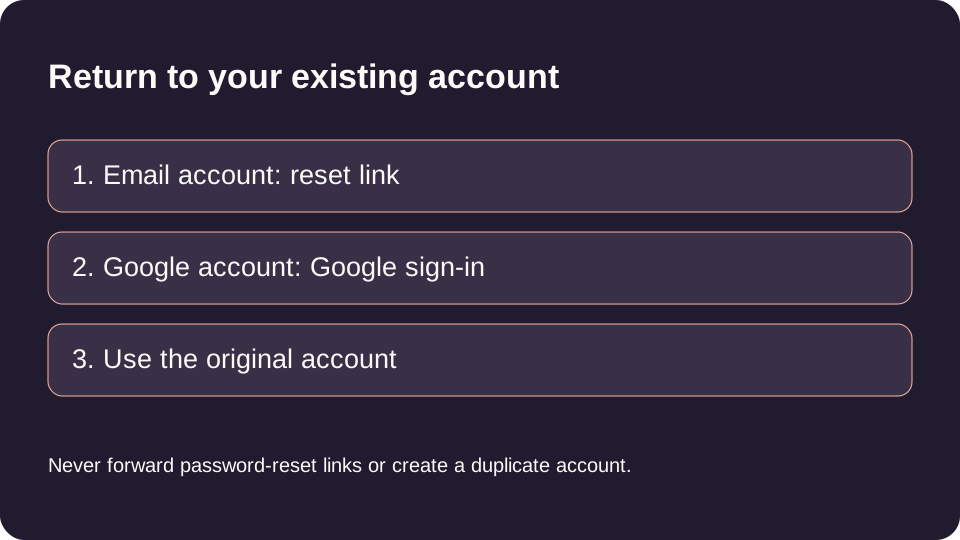
Request a password reset email
For an email/password account, select Forgot Password from Login. Enter your registered Email and choose Send Reset Link. At Check your email, open your inbox and the reset email. Check spam or junk if it is missing. The confirmation does not prove that an account exists for a mistyped email: check the spelling before requesting another link.
Request a reset link →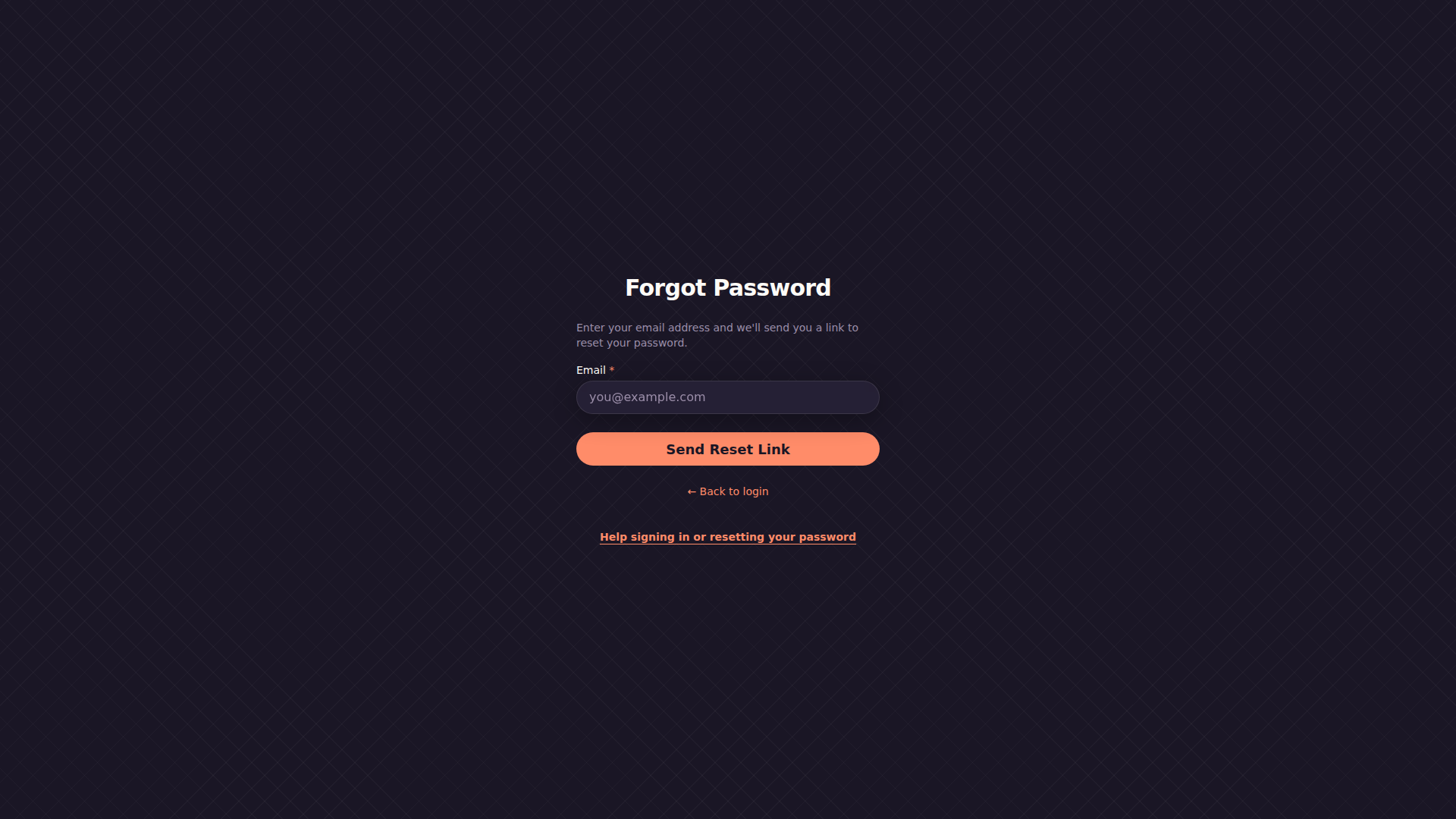
Choose a new password and return to Login
Open the newest reset link. Enter a New Password with at least eight characters and repeat it in Confirm Password, then select Reset Password. Store the new password safely and return to Login to sign in with it. If the link is invalid, expired or missing, request a fresh link from Forgot Password rather than editing its browser address.
Common problems and questions
No reset email arrives.
Check spam/junk and the registered email spelling. If you used Google, return to Login and use that Google account. Otherwise request a fresh reset link and open the newest email.
I can sign in but my shared schedule is missing.
Check that you used the account that accepted the invite. If its access was revoked, ask the firefighter for a new invite; creating another account will not restore the old access.
Can I read this help while signed out?
Yes. Login and Forgot Password link to this recovery guide without requiring sign-in.
Should I register again if my session ends?
No. Sign in to your existing account so your rota, feedback and shared access remain together.
You’re ready
You can sign in to the original account and see its existing schedule access.
Choose another guide when you are ready, or return to the area of ShiftSignal you were using.